

- Autoscaling the model to handle peak loads and scale to zero when it’s not being used.
- Routing traffic efficiently across different model versions.
- Providing a real-time monitoring of predictions and performance metrics through comprehensive dashboards and logs.
YAML definition
See the completed YAML definition for VESSL Service.
What you will do
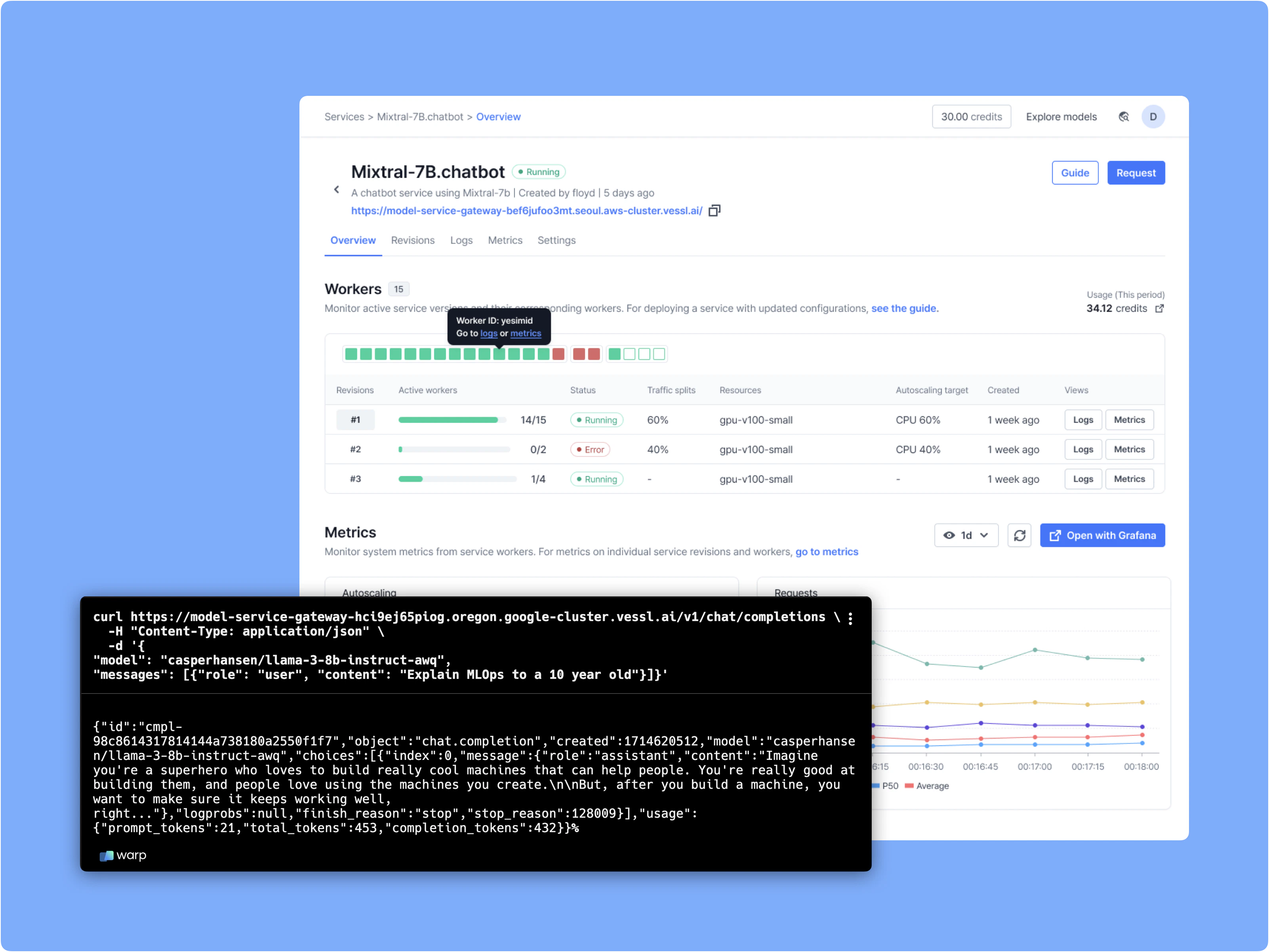
- Define a text generation API and create a model endpoint
- Define service specifications
- Deploy model to VESSL managed GPU cloud
Set up your environment
We’ll start with the Phi-4-mini-reasoning example, which demonstrates how to deploy an AI service using a single YAML file. Follow these steps to prepare:Deploy a vLLM Phi-4-mini-reasoning Server with VESSL Service
Configure resource and environment to run vLLM Phi-4-mini-reasoning server through YAML file as follows.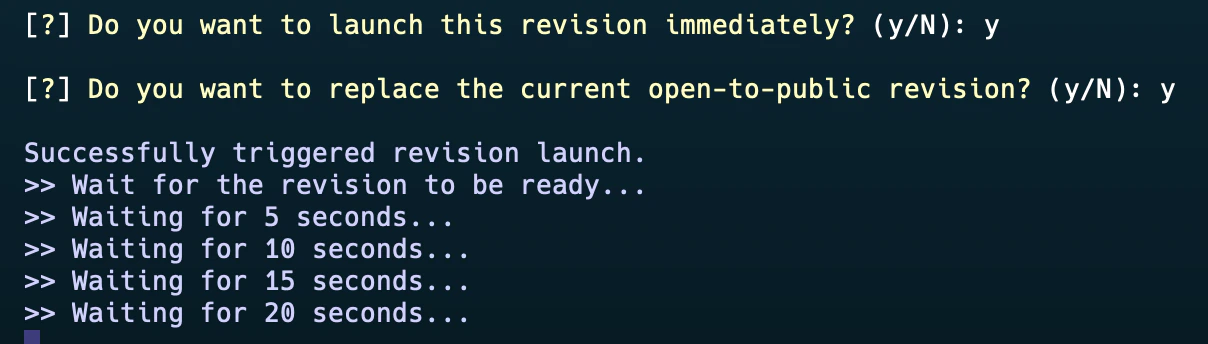

Due to compatibility issues between Python and VESSL CLI, executing the command (
vessl service create -f quickstart.yaml) may temporarily result in unexpected errors. If this occurs, please use VESSL CLI with Python 3.12 for the time being. We are working on it.Explore the API Documentation
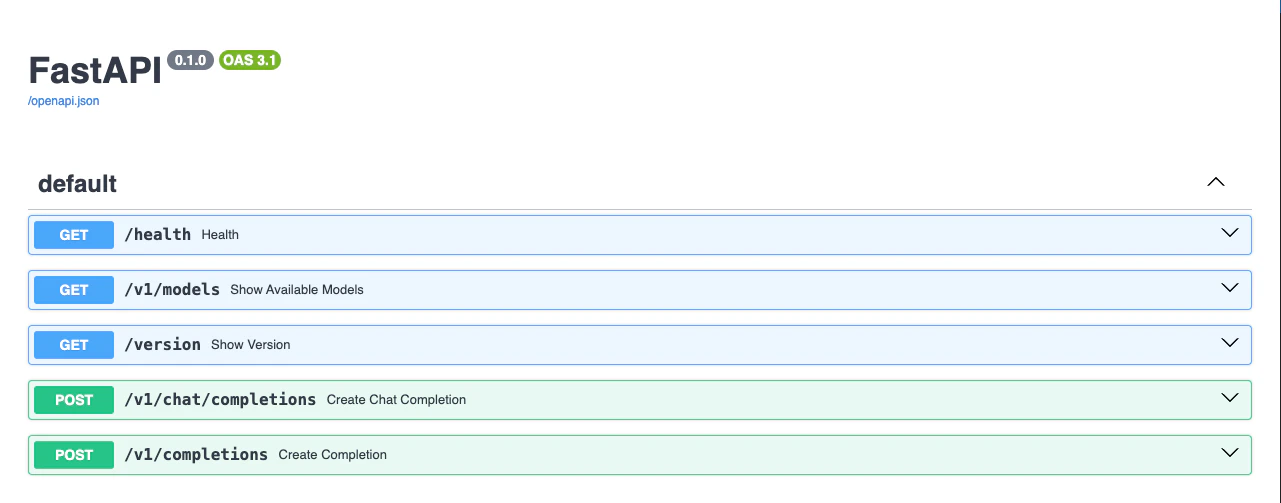
Access the API documentation by appending/docs to your endpoint URL:
Test the API with an OpenAI Client
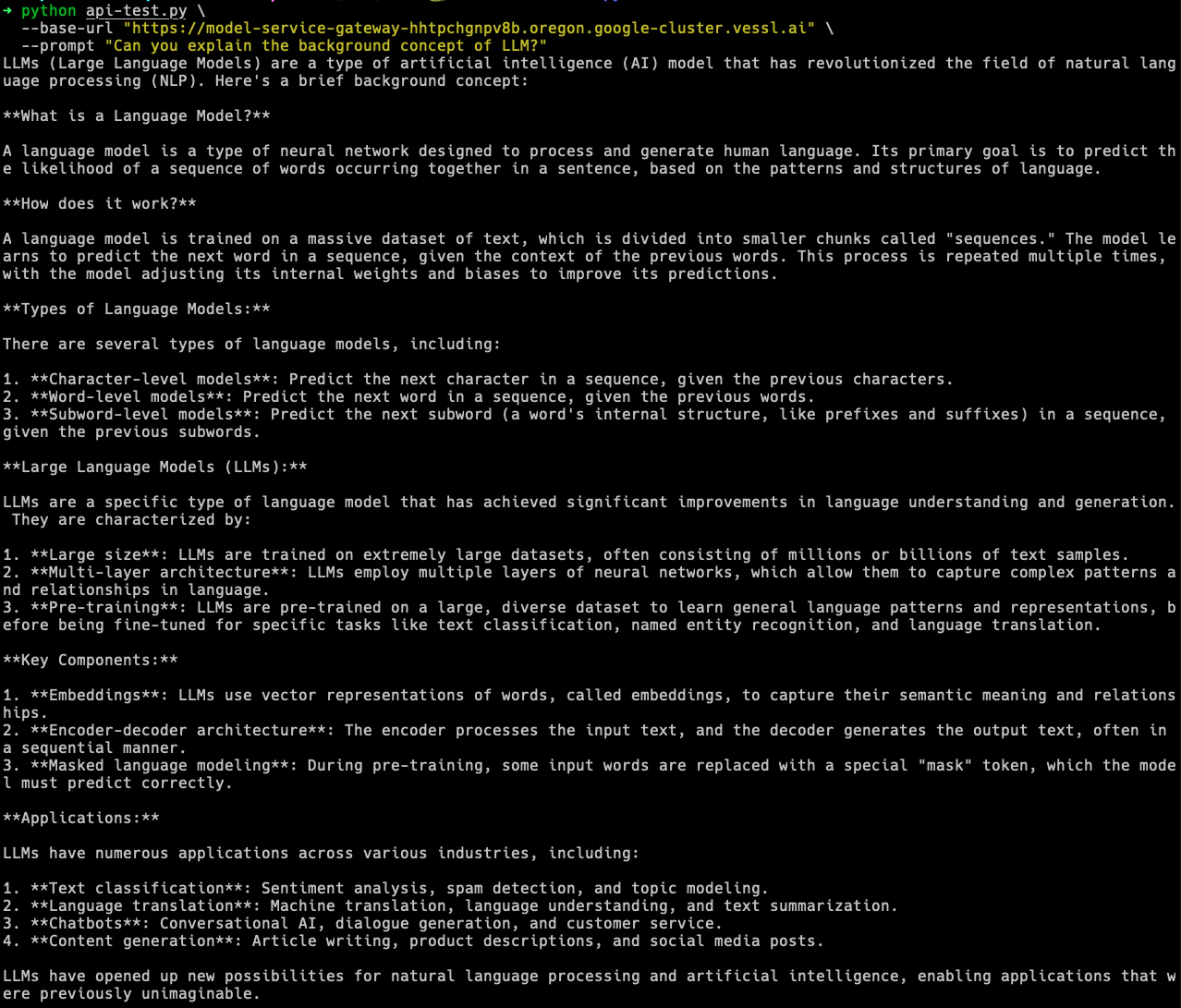
For compatibility with OpenAI clients, install the OpenAI Python package:api-test.py script. Replace YOUR-SERVICE-ENDPOINT with your actual endpoint and execute the command below:
What’s next?
Next, let’s see how you can serve your model with serverless mode with Text Generation Inference(TGI).Enable Serverless Mode
Deploy with VESSL Service Serverless mode