> ## Documentation Index
> Fetch the complete documentation index at: https://docs.vessl.ai/llms.txt
> Use this file to discover all available pages before exploring further.
# Service logs
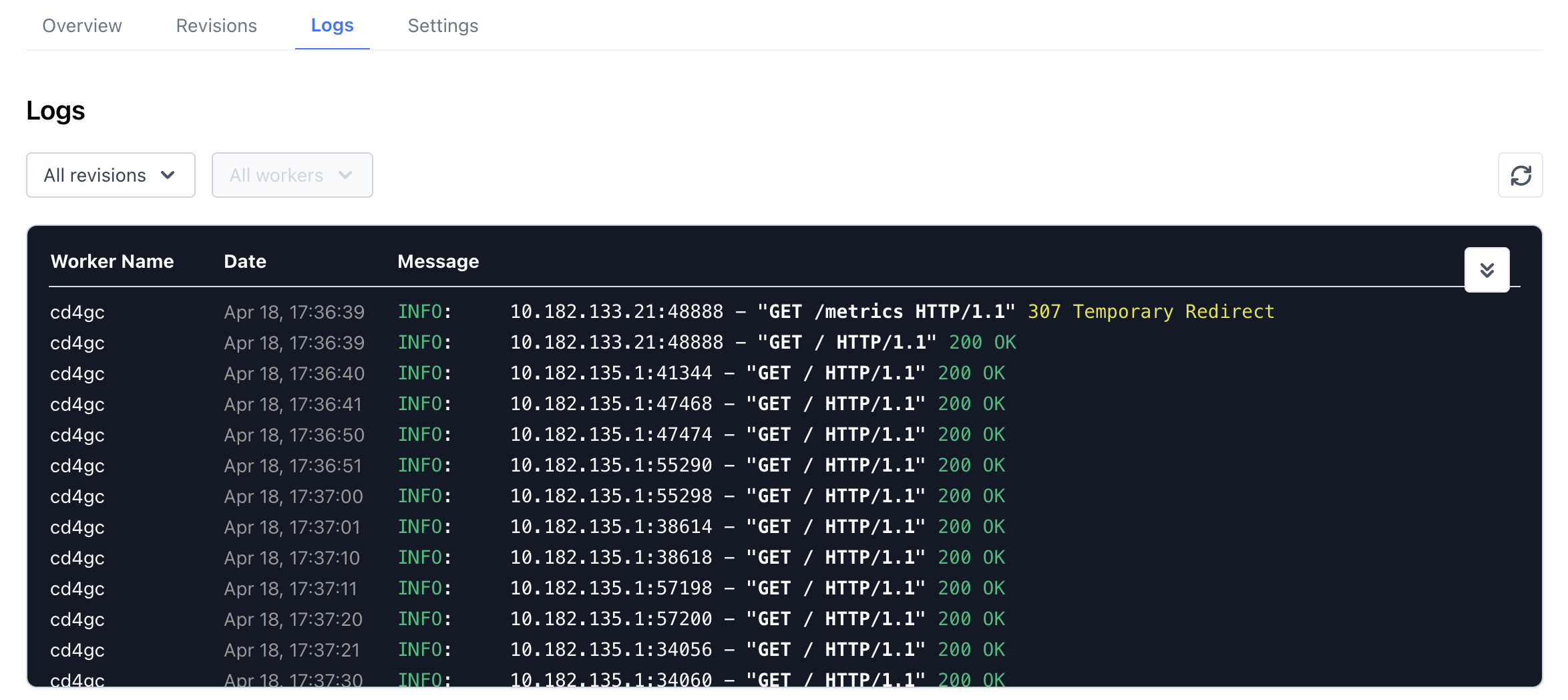
Logs are an essential component for debugging services. In **VESSL Service**, the platform automatically collects logs from each replica comprising the model service, allowing users to view them through a dedicated dashboard. The **Logs** tab within the service dashboard provides access to logs from replicas currently in operation.
### Viewing logs and filtering by revision
By default, the **Logs** tab displays logs from all replicas currently active in the service.
 #### Dropdown menu
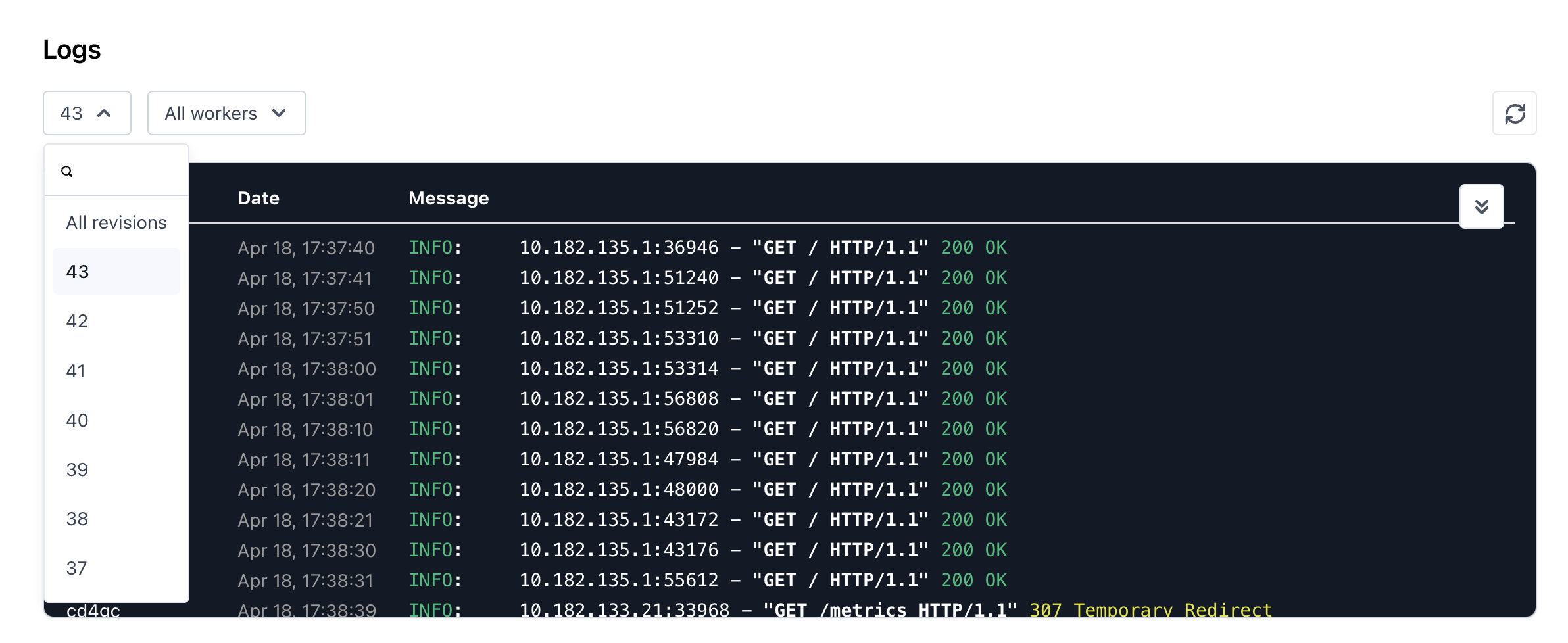
The **Revision** dropdown menu enables users to filter and view logs specific to a chosen revision of the service.
#### Dropdown menu
The **Revision** dropdown menu enables users to filter and view logs specific to a chosen revision of the service.
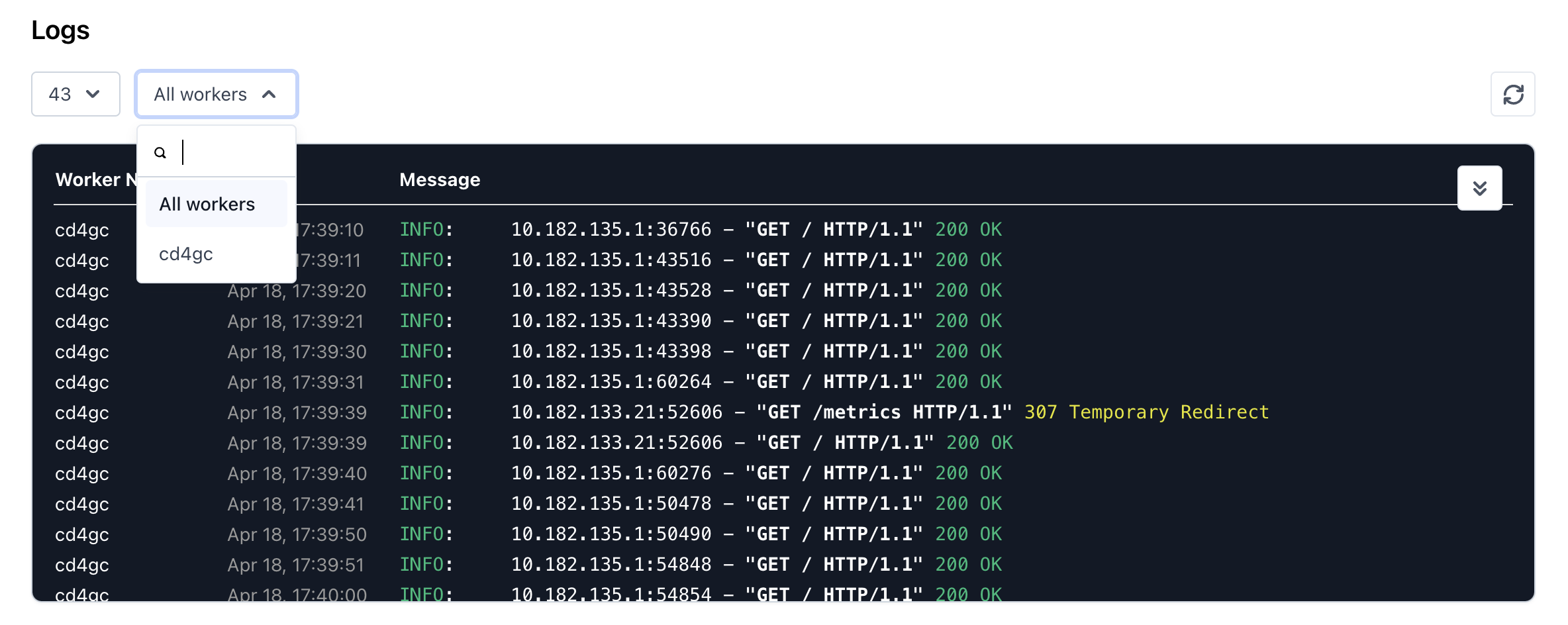
 You can also select a specific **worker pod** in the dropdown menu.