> ## Documentation Index
> Fetch the complete documentation index at: https://docs.vessl.ai/llms.txt
> Use this file to discover all available pages before exploring further.

# Create a new model

## Creating a model repository

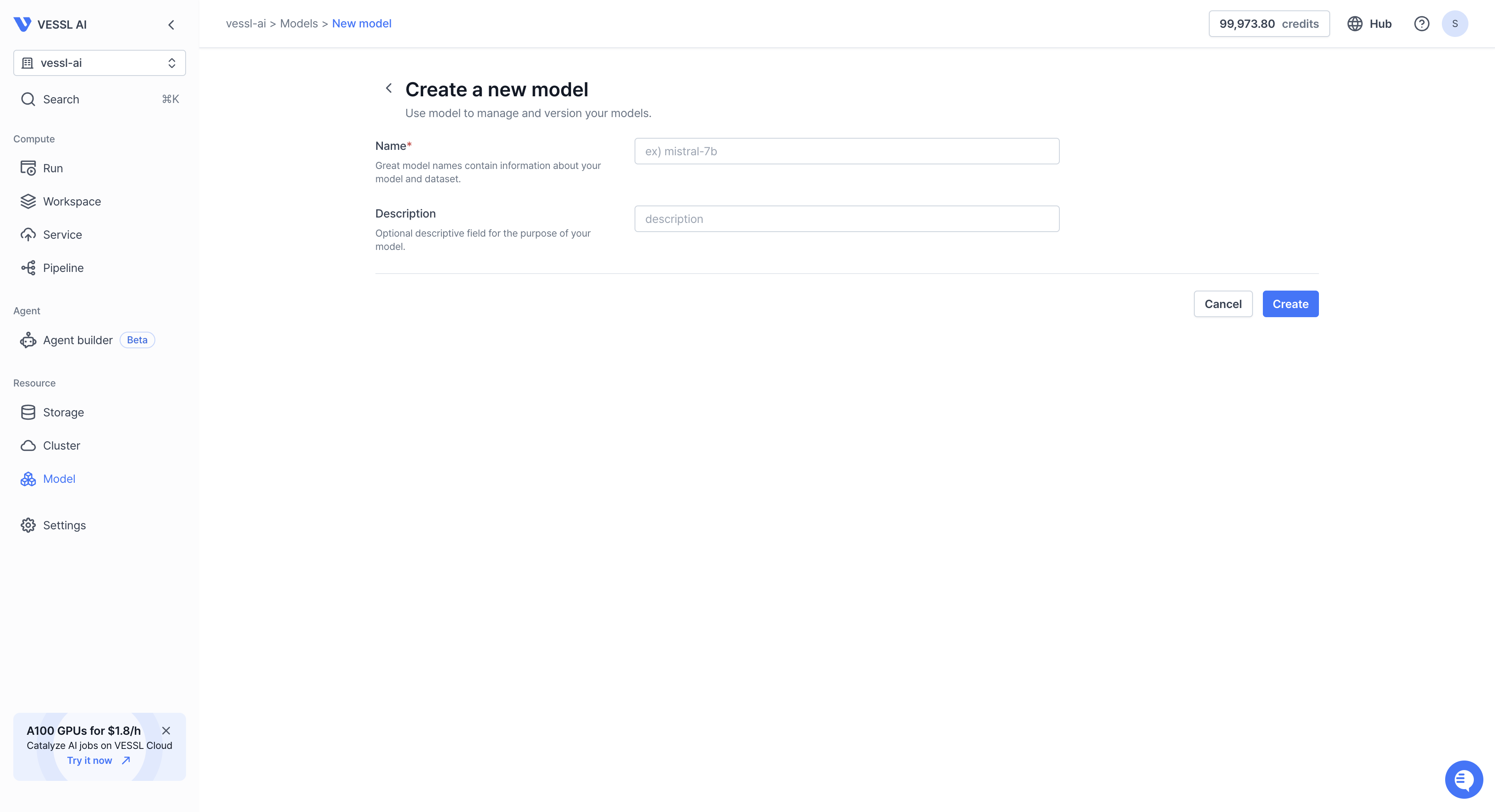
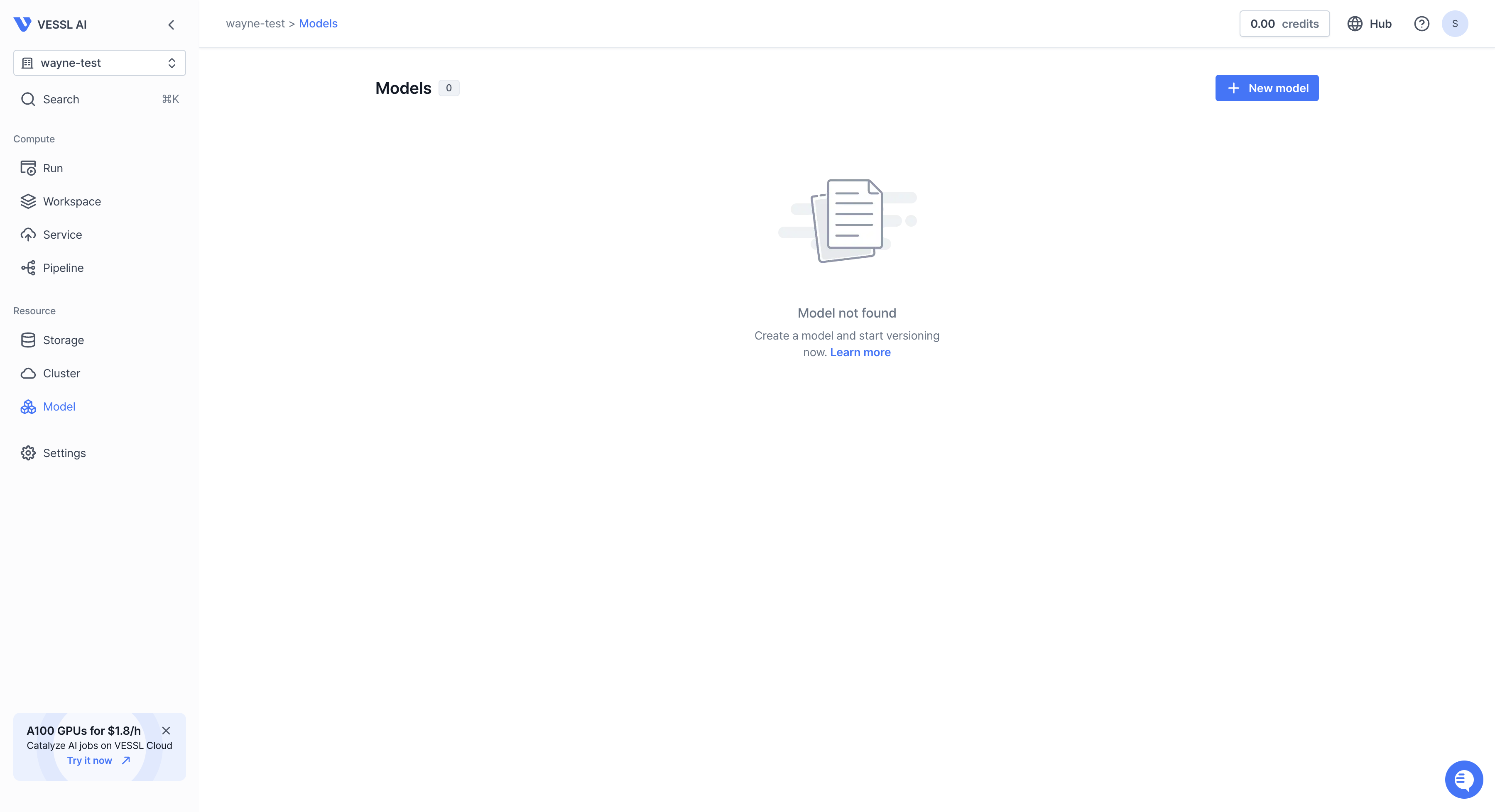
The VESSL Model repository is a place to manage and store models. You can create a model repository by clicking the `New Model Repository` button on the model repository page or using CLI.

1. **Create a model repository using the web console**:

   * Click the `New model repository` button on the model repository page.

   {" "}

<Frame>
  <img style={{ borderRadius: "0.5rem" }} src="https://mintcdn.com/vesslai/q8PNhBb-7_q5awBv/images/models/create/model_create.png?fit=max&auto=format&n=q8PNhBb-7_q5awBv&q=85&s=215e3fe6fe8fd2f5d189ec4aef3c8867" width="3600" height="1956" data-path="images/models/create/model_create.png" />
</Frame>

* Click the `Create` button with name and descriptions filled in the dialog.

<Frame>
  <img style={{ borderRadius: "0.5rem" }} src="https://mintcdn.com/vesslai/q8PNhBb-7_q5awBv/images/models/create/models_create2.png?fit=max&auto=format&n=q8PNhBb-7_q5awBv&q=85&s=9c701a775471038da266182b810a64c2" width="3600" height="1956" data-path="images/models/create/models_create2.png" />
</Frame>

2. **Create a model repository using CLI**:

   ```bash theme={null}
   vessl model-repository create
   ```

   * Fill in the required information in the interactive mode.

   ```bash theme={null}
   Organization: <Your Organization>
   Model repository name: my-first-research
   ```

   * The model repository will be created.

   ```bash theme={null}
   Created 'my-first-research'.
   For more info: https://vessl.ai/YOUR_ORG/models/my-first-research
   ```

## Creating a model from CLI

1. Run the following command to create a model in the repository in interactive
   mode. You can also create a repository on the way.

```bash theme={null}
vessl model create
```

2. Fill in the required information in the interactive mode.

```bash theme={null}
Organization: demo-docs
Project: helloworld
[?] Model repository: my-first-research
 > my-first-research

[?] Source: From local files
   From an experiment (will be deprecated)
 > From local files
```

3. The model will be created.

```bash theme={null}
Created 'my-first-research-1'.
For more info: https://vessl.ai/YOUR_ORGANIZATION/models/my-first-research/1
```

## Upload your data

1. In terminal, head out to the directory where your data is stored.

2. Run the following command to upload your data to the model repository.

```bash theme={null}
vessl model upload
```

3. Fill in the required information in the interactive mode.

```bash theme={null}
Organization: demo-docs
[?] Model repository: my-first-research
 > my-first-research

[?] Model: 1
 > 1

Source path: .
Destination path [/]:
```

4. The data will be uploaded and you can see it through the web console.

```bash theme={null}
Uploaded . to /.
```

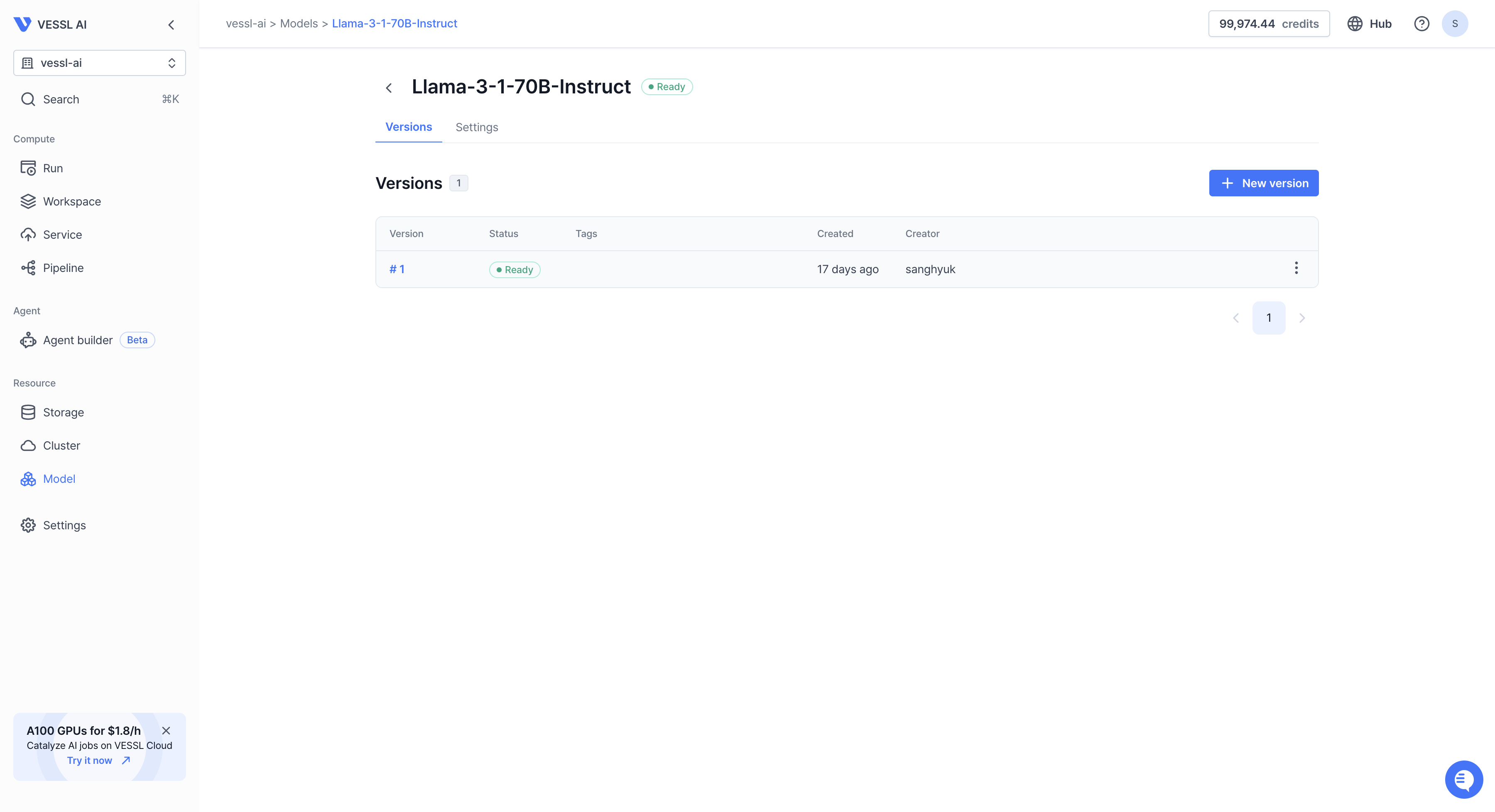
<img style={{ borderRadius: "0.5rem" }} src="https://mintcdn.com/vesslai/q8PNhBb-7_q5awBv/images/models/create/models_upload.png?fit=max&auto=format&n=q8PNhBb-7_q5awBv&q=85&s=23e5371d9cde8e4f8812741496f8cc60" width="3600" height="1956" data-path="images/models/create/models_upload.png" />

5. You can view the uploaded filed on `Files` tab. You can also add files or directories on the same page.
<div style={{ marginBottom: '170px', position: 'relative', paddingTop: '300px' }}>
  <iframe src="https://demo.arcade.software/EDnFaUSgqHySqp11kHD7?embed&embed_mobile=tab&embed_desktop=inline&show_copy_link=true" frameBorder="0" loading="lazy" webkitAllowFullScreen="" mozAllowFullScreen="" title="Dashboards" style={{ position: 'absolute', top: '0px', left: '0px', width: '100%', height: '450px', colorScheme: 'light' }} />
</div>