> ## Documentation Index
> Fetch the complete documentation index at: https://docs.vessl.ai/llms.txt
> Use this file to discover all available pages before exploring further.
# Overview
> Launch and scale AI workloads without the hassle of managing infrastructure
## VESSL -- Control plane for machine learning and computing
VESSL provides a unified interface for training and deploying AI models on the cloud. Simply define your GPU resource and pinpoint to your code & dataset. VESSL does the orchestration & heavy lifting for you:
1. Create a GPU-accelerated container with the right Docker Image.
2. Mount your code and dataset from GitHub, Hugging Face, Amazon S3, and more.
3. Launches the workload on our fully managed GPU cloud.
Instantly scale workloads across multiple clouds.
 Launch any AI workloads with a unified YAML definition.
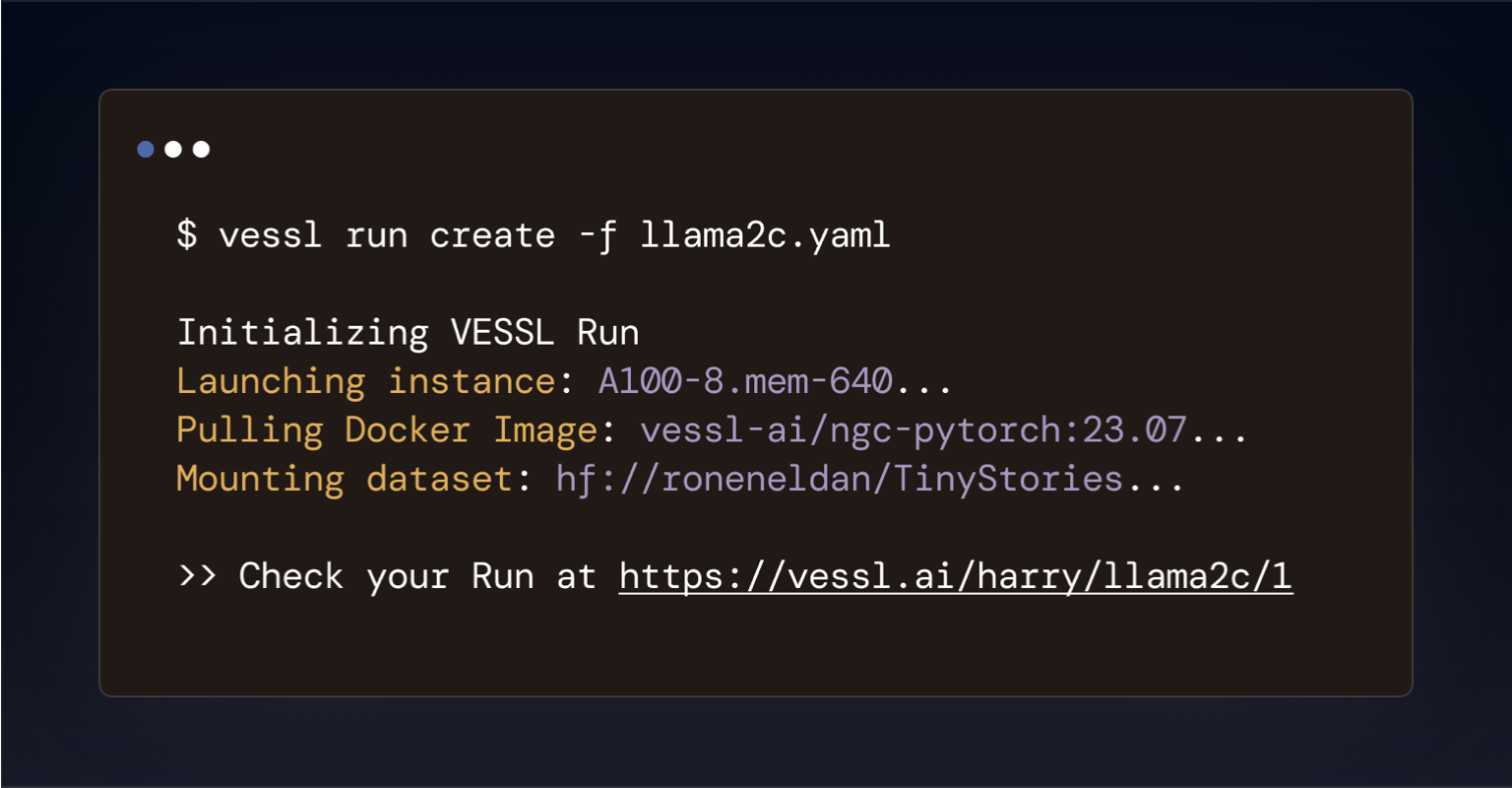 A single platform for fine-tuning to deployment.
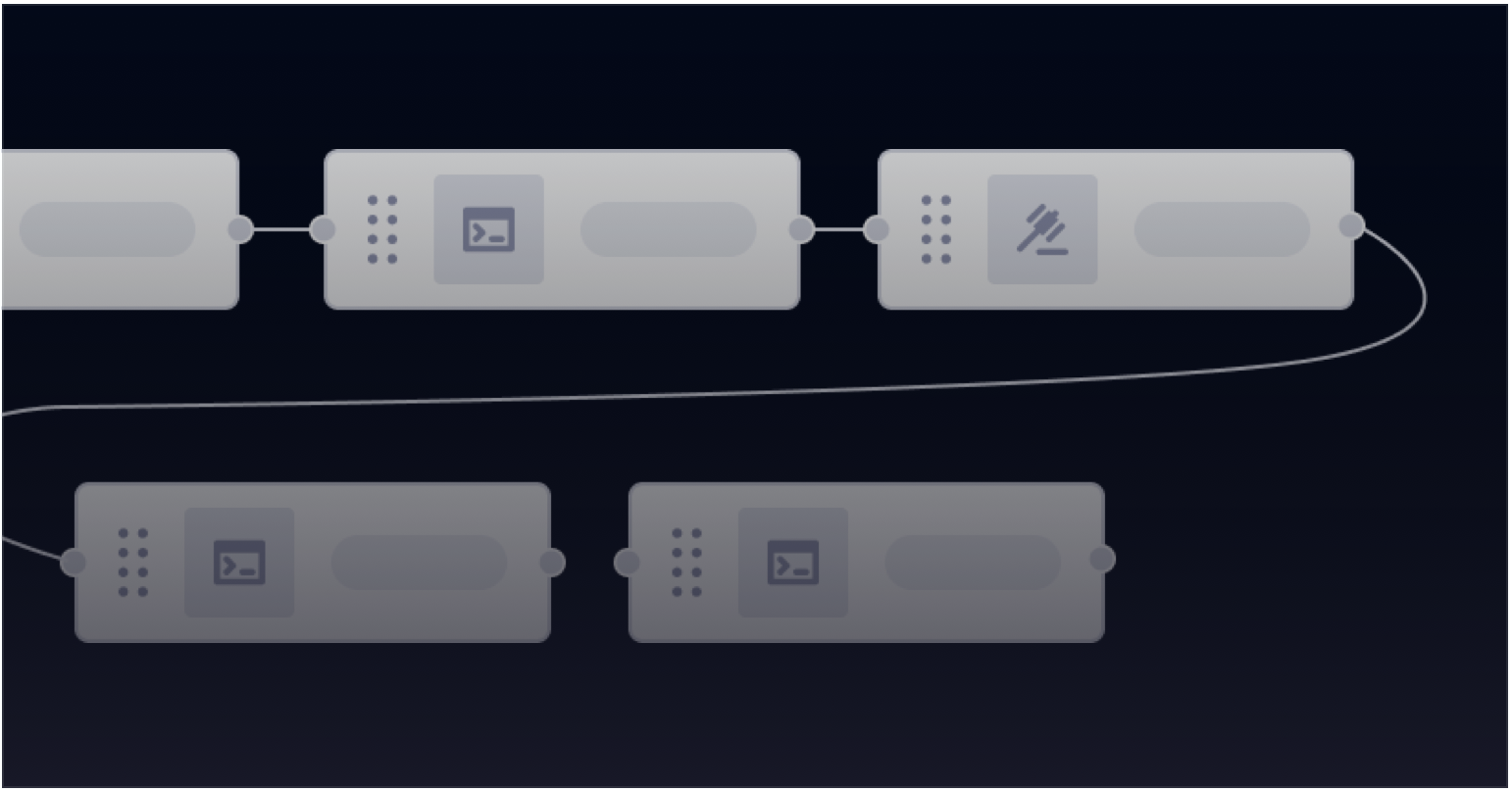 Optimize GPU usage and save up to 80% in cloud.
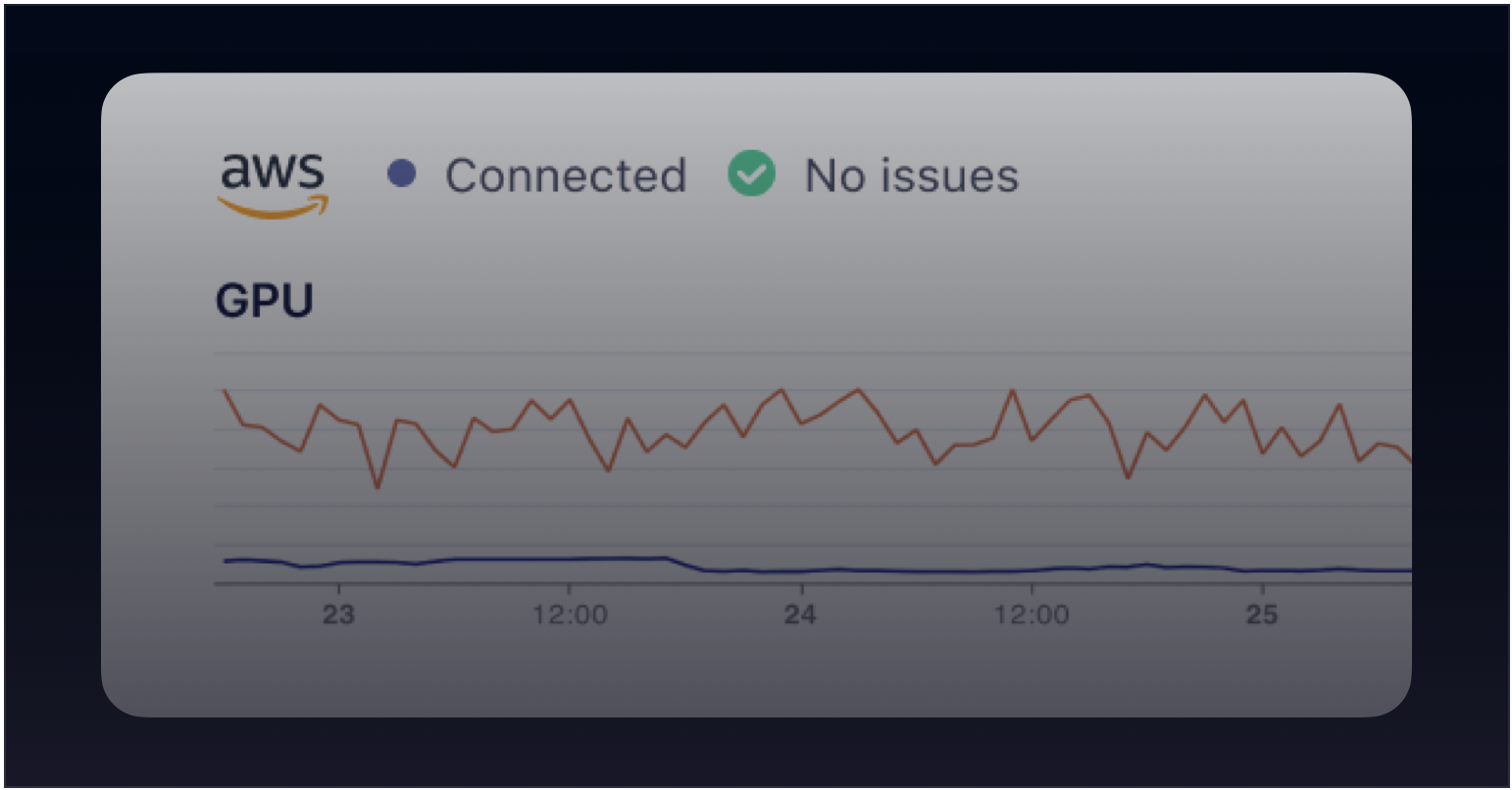 ## What can you do?
* Run compute-intensive AI workloads remotely within seconds.
* Fine-tune LLMs with distributed training and auto-failover with zero-to-minimum setup.
* Scale training and inference workloads horizontally.
* Deploy an interactive web applicaiton for your model.
* Serve your AI models as web endpoints.
## How to get started
Head over to [VESSL](https://app.vessl.ai) and sign up for a free account. No `docker build` or `kubectl get`.
1. Create your account on [VESSL](https://app.vessl.ai).
2. Install our Python package — `pip install vessl`.
3. Follow our [Quickstart](/guides/get-started/quickstart) guide or try out our example models at [VESSL Hub](https://app.vessl.ai/hub).
## How does it work?
VESSL abstracts the obscure infrastructure and complex backends inherent to launching AI workloads into a simple YAML file, so you don't have to mess with AWS, Kubernetes, Docker, or more. Here's an example that launches a chatbot app for Llama 3.2.
```yaml theme={null}
name: huggingface-chatbot
description: Chatbot using HuggingFace OSS models
tags:
- chatbot
- LLM
import:
/code/: git://github.com/vessl-ai/examples.git
resources:
cluster: vessl-oci-sanjose
preset: gpu-a10-small
image: quay.io/vessl-ai/vllm:0.6.4
run:
- command: |
pip install -r requirements.txt
python app.py --model-id $MODEL_ID
workdir: /code/runs/hf-chatbot-vllm
ports:
- name: gradio
type: http
port: 7860
env:
HF_HUB_ENABLE_HF_TRANSFER: "1"
MODEL_ID: unsloth/Llama-3.2-3B-Instruct
```
With every YAML file, you are creating a VESSL Run. VESSL Run is an atomic unit of VESSL, a single unit of Kubernetes-backed AI workload. You can use our YAML definition as you progress throughout the AI lifecycle from checkpointing models for fine-tuning to exposing ports for inference.
## What's next?
See VESSL in action with our examples Runs and pre-configured open-source models.
Launch a barebone GPU-accelerated workload on VESSL
Launch a Jupyter Notebook server with an SSH connection
Interactive playground of image generation
Fine-tune Phi-4 with counselling dataset
## What can you do?
* Run compute-intensive AI workloads remotely within seconds.
* Fine-tune LLMs with distributed training and auto-failover with zero-to-minimum setup.
* Scale training and inference workloads horizontally.
* Deploy an interactive web applicaiton for your model.
* Serve your AI models as web endpoints.
## How to get started
Head over to [VESSL](https://app.vessl.ai) and sign up for a free account. No `docker build` or `kubectl get`.
1. Create your account on [VESSL](https://app.vessl.ai).
2. Install our Python package — `pip install vessl`.
3. Follow our [Quickstart](/guides/get-started/quickstart) guide or try out our example models at [VESSL Hub](https://app.vessl.ai/hub).
## How does it work?
VESSL abstracts the obscure infrastructure and complex backends inherent to launching AI workloads into a simple YAML file, so you don't have to mess with AWS, Kubernetes, Docker, or more. Here's an example that launches a chatbot app for Llama 3.2.
```yaml theme={null}
name: huggingface-chatbot
description: Chatbot using HuggingFace OSS models
tags:
- chatbot
- LLM
import:
/code/: git://github.com/vessl-ai/examples.git
resources:
cluster: vessl-oci-sanjose
preset: gpu-a10-small
image: quay.io/vessl-ai/vllm:0.6.4
run:
- command: |
pip install -r requirements.txt
python app.py --model-id $MODEL_ID
workdir: /code/runs/hf-chatbot-vllm
ports:
- name: gradio
type: http
port: 7860
env:
HF_HUB_ENABLE_HF_TRANSFER: "1"
MODEL_ID: unsloth/Llama-3.2-3B-Instruct
```
With every YAML file, you are creating a VESSL Run. VESSL Run is an atomic unit of VESSL, a single unit of Kubernetes-backed AI workload. You can use our YAML definition as you progress throughout the AI lifecycle from checkpointing models for fine-tuning to exposing ports for inference.
## What's next?
See VESSL in action with our examples Runs and pre-configured open-source models.
Launch a barebone GPU-accelerated workload on VESSL
Launch a Jupyter Notebook server with an SSH connection
Interactive playground of image generation
Fine-tune Phi-4 with counselling dataset